all the gear. and no idea!
The racing attic
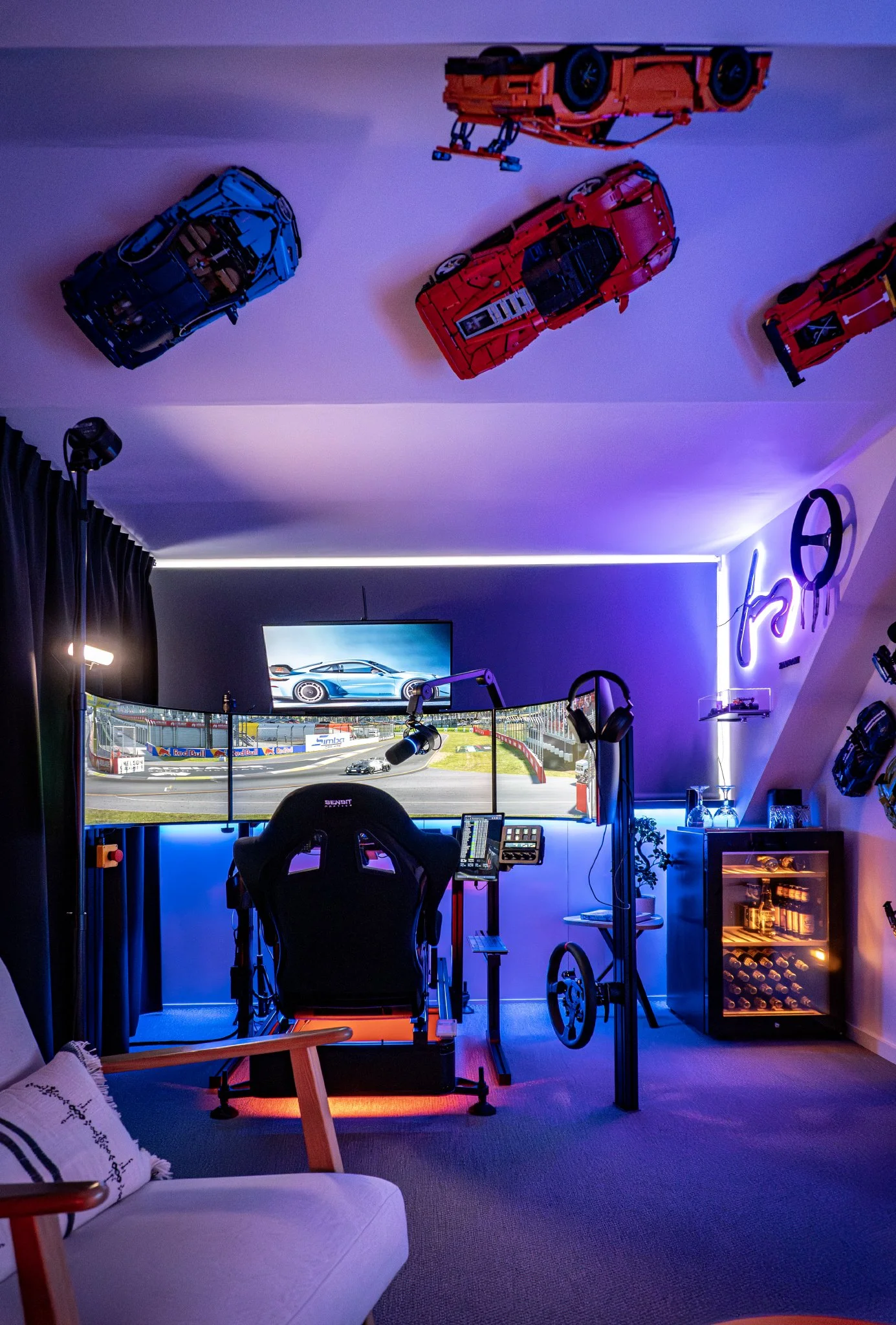
My self-built sim racing studio in the attic of my home is where I do all of my online streaming. I spend a lot of time there, racing, streaming, and constantly working on improving my setup.
simrig Specifications
Displays
3× LG UltraGear 39GS95QE-B — 39", OLED, 3440×1440, 240 Hz
Sim Rig & Mounting
Sim-Lab P1X Pro Sim Racing Cockpit
Sim-Lab Freestanding Triple Screen Mount
Sim-Lab Single Monitor / TV Stand — Black
Sim-Lab Quad Monitor Mount
Sim-Lab Cup Holder
Wheelbase & Steering Wheel
Simucube 2 Pro Direct Drive Wheelbase
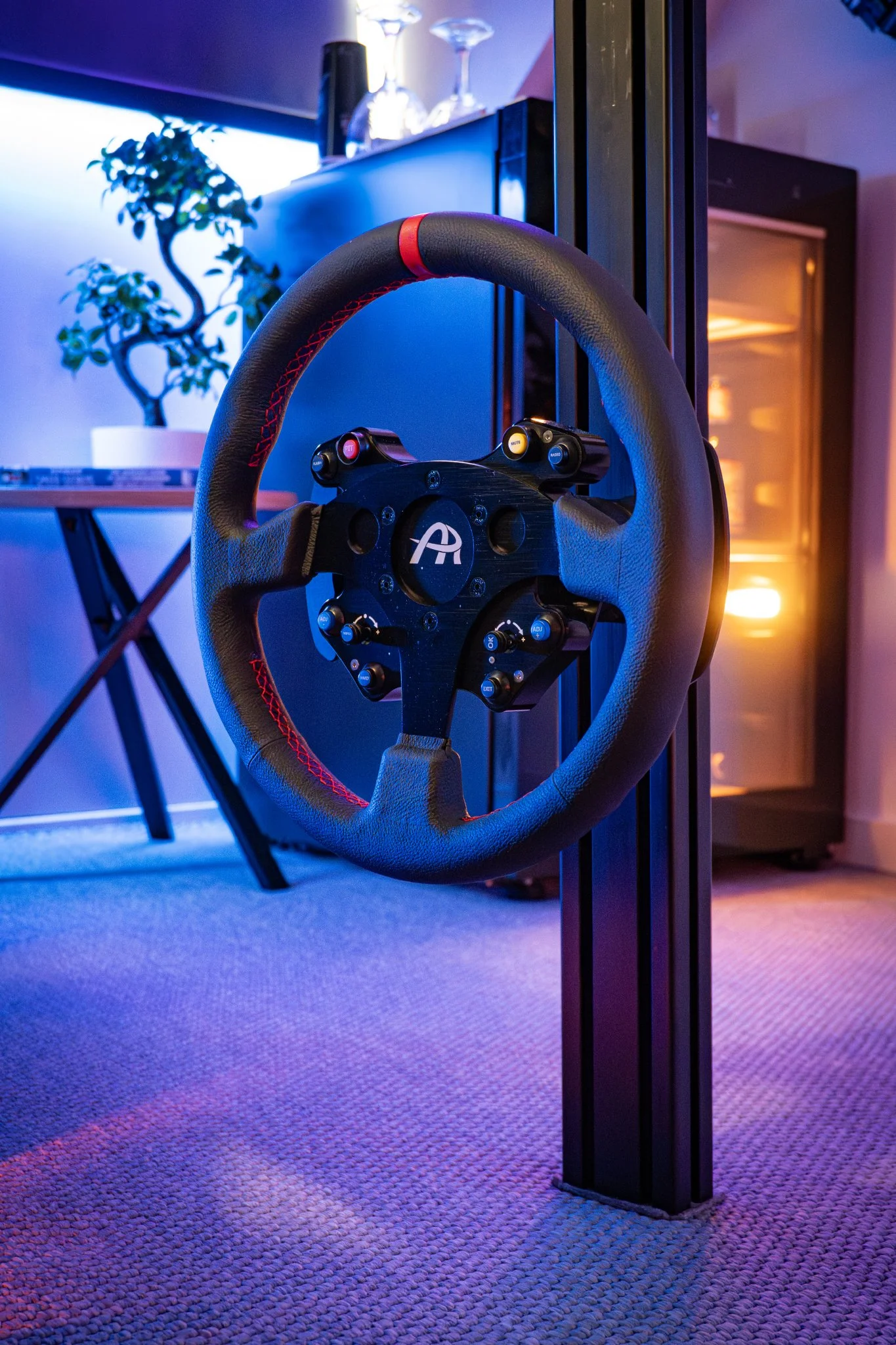
Ascher-Racing McLaren Artura Ultimate Steering Wheel
Pedals
Asetek Invicta Hydraulic Pedals
Motion / Haptic System
Sensit MTC-S1 with integrated MTC-P
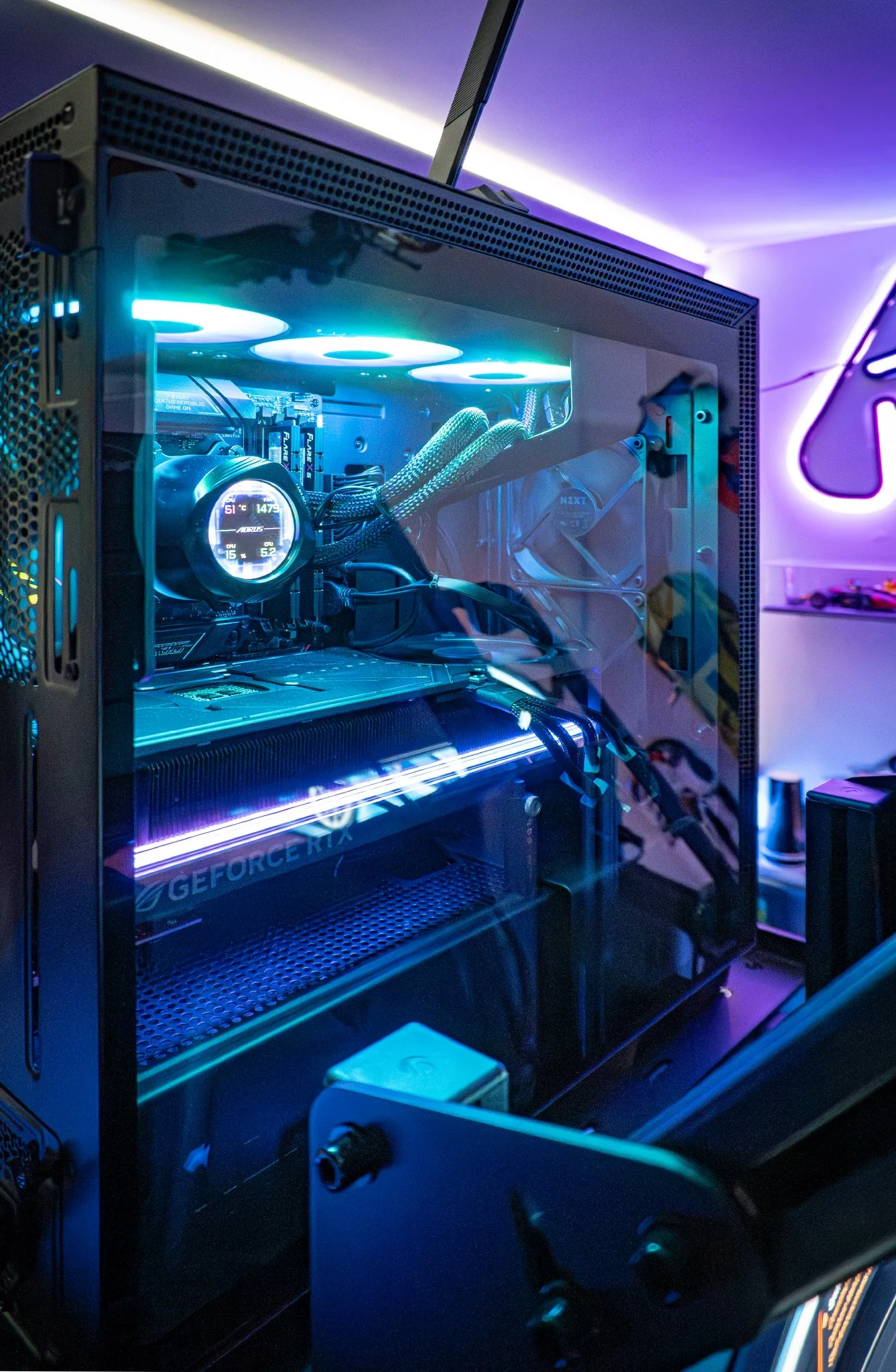
PC
CPU: AMD Ryzen 7 9800X3D
GPU: NVIDIA GeForce RTX 5090
Streaming setup
Cameras
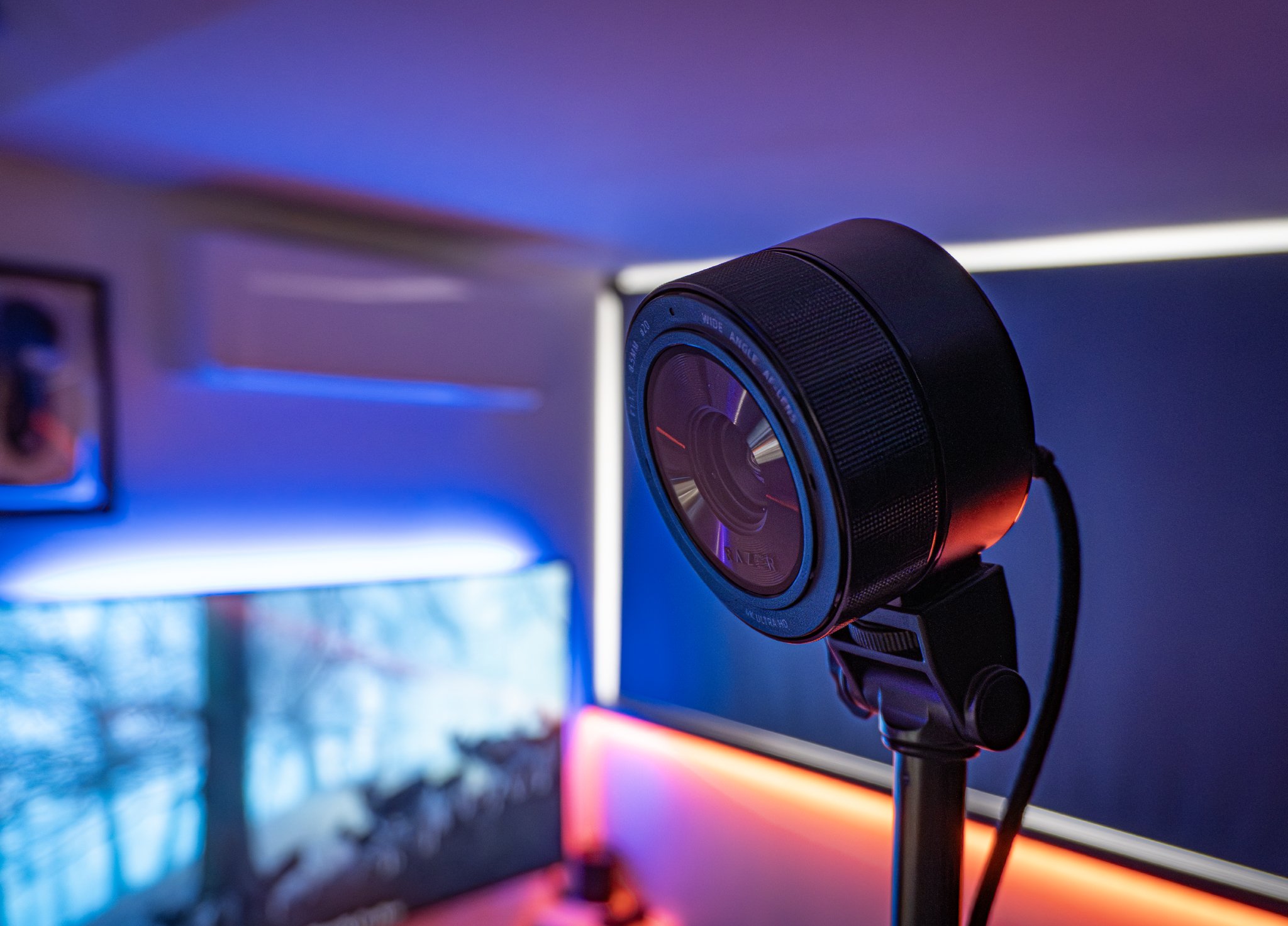
2x Razer Kiyo Pro Ultra
2x Logitech MX Brio Ultra
Audio
Sennheiser Momentum 4
Sennheiser Profile Streaming Microfoon
lighting
Philips Hue Play Light Bars
Philips Hue Led strips
Connection Routing Diagram
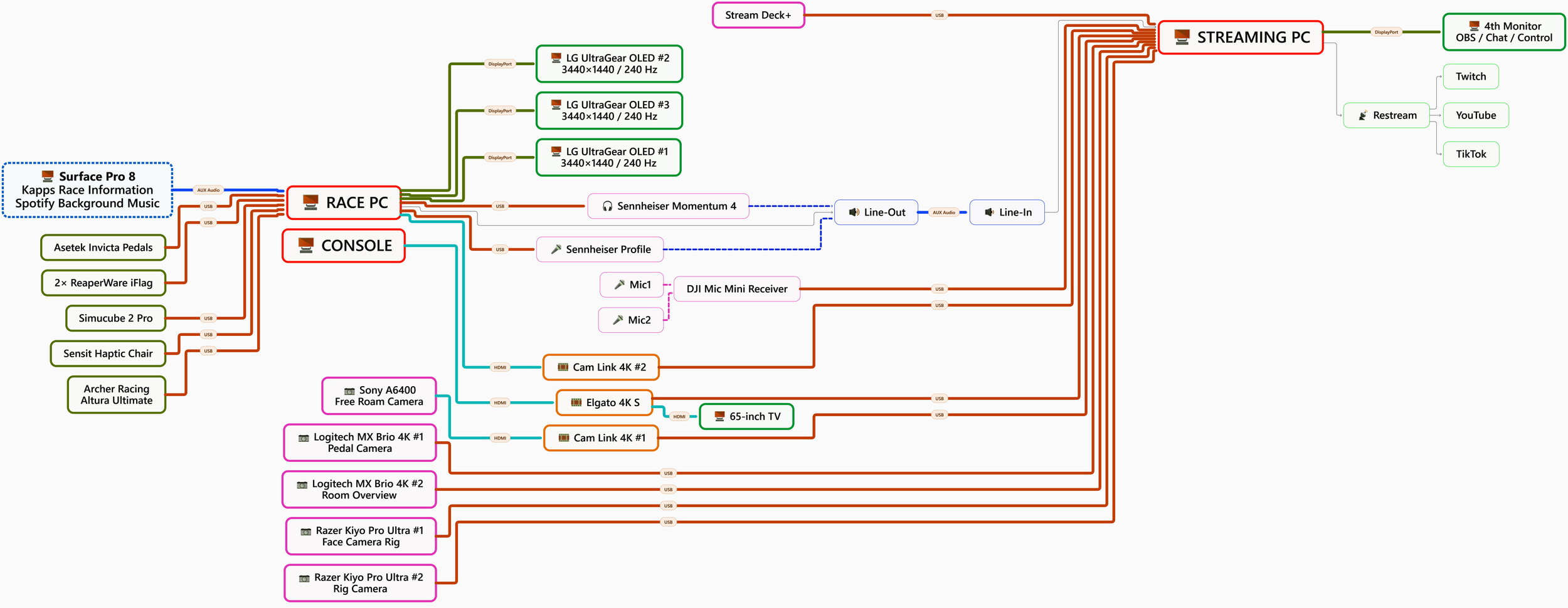
This diagram shows the complete connection routing of my dual-PC streaming setup, designed to let me stream seamlessly from two different areas of my attic studio. I can stream console games from my comfortable TV seating area using a wireless clip-on microphone, or switch to my dedicated sim racing rig with multiple cameras, triple monitors, and a separate audio setup. Everything is connected to a dedicated streaming PC, while my Stream Deck+ allows me to control OBS scenes, audio levels, lighting, and other streaming functions. This setup allows me to manage all video and audio sources through OBS and broadcast to Twitch, YouTube, and TikTok simultaneously.